So today I received the Apple HomeView. I had some ideas about how to use it and wanted to test it out to see if it would work for me. I am also particularly concerned about privacy and how such a “iPhone/iPad” type device (containing personal data) would be accessed by the family members or guests coming to my home.
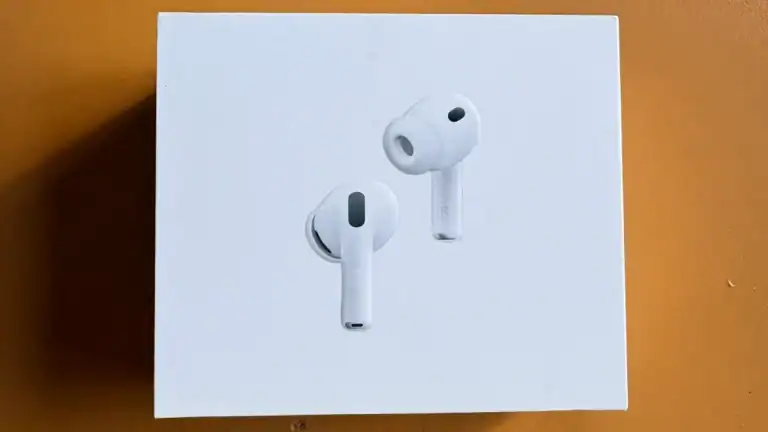
Unboxing Time !

Apple HomeView Unboxing
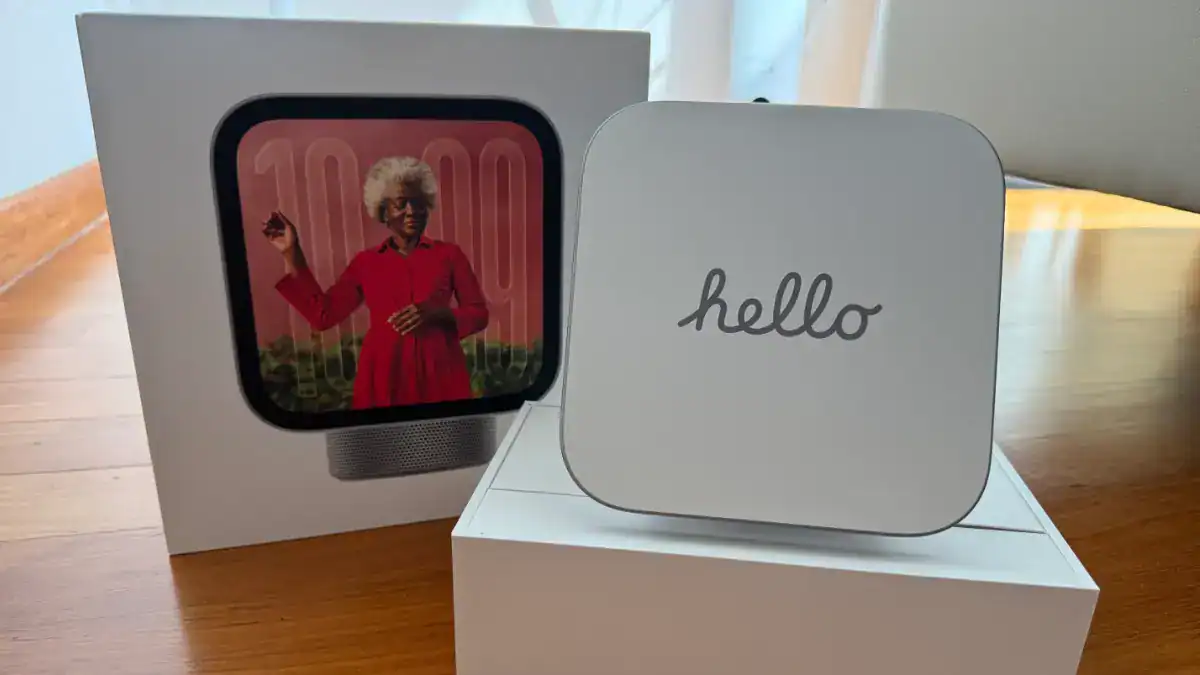
Hello. Apple HomeView !

Back of the Apple HomeView Box
Details of Apple HomeView

The Apple HomeView


HomeView with Apple Duo and Apple iPhone 16 Pro Max as an example of the size of the new Apple gadget.

Because the AppleView needs constant (batteries not included) power, the box comes with a braided USB-C cable and a power adapter.


Setting up The Apple HomeView
When I first boot up the HomeView, a software update was available. You do need your iPhone to set up the HomeView.

Software Upgrade

After that, the usual Apple Setup process works with your iCloud account (automatically copied from your iPhone). Then comes the important part. The HomeView needs to set up your face and voice recognition. This is the security part of the HomeView.

And when it is done, you are “welcomed” to the HomeView.

Using the Apple HomeView
You can set up different clock faces for Apple HomeView, including linking to your Photo Library.


And..

Of course as just like Apple Watch, you can also set up the clock face with different colours or in some cases, a Widgets etc. This is the one I settled on

Now you can definitely set up a clock face with your photos…. or with your home cameras etc.. that is “Adding a New Face”..

Which can bring up your Photos Collection on your iPhone..

Now, I need to say that whatever you add to the Clock Face, it can be seen by ANYONE who can see your HomeView. There is no security (e.g you put your cute lover photo and it will be seen). By that, I mean people can touch the clock face and scroll through all the faces and if you have a face set up with the cute lover photo, it will be seen.
Apple HomeView Personal Content Setting
This is the single most important setting in the Apple HomeView but it is also the most useless. Basically without it, I can’t use the Apple HomeView the way I want it.
This is in the settings page of the Apple HomeView.

Without setting this, your use of the Apple HomeView is so limited. Your apps will be loaded (and I really cannot see where to delete apps that you dont want to be loaded to the Apple HomeView.. someone tell me…)…
For example, this is the screen with my apps which some are self hosted (e.g. PlexAmp, Absorb to my audiobookshelf library etc)…

E.g. if you launch an app you want to use, you will see this. Yes, kinda of make sense since you asked for “personal contents” to be switched off.

Oh surprise surprise, you have no issue using the Apple Music App but everything else is pretty limited. 🙂

So you need to switch that ON to use your own Apps to make your Apps ?
Can Apple HomeView work with my Apps such self host apps ?
Eg. Pladio which is my uncle radio station of choice

And I can play my Radio Station on the HomeView

I can also use Hathor which can talk to my Plex Music Server and play my FLAC Library on the HomeView.

Hello Cai Qin….

And yes listen to audiobooks too

Harry Potter Full Cast Edition anyone. ?

Can HomeView work with Spotify ?
Yes 👍


Can HomeView work with Apple AirPods ?
There is no 3mm audio jack on the Apple HomeView but yes it works with Apple AirPods too… so that fits as a use case for night listening… (but then as my partner said, er.. why not just use your iPhone… slap face… )

Can HomeView work with Netflix ?
It did not work for me. Not sure why.. “casting” from Netflix app to the Apple HomeView did not work for me…
Can HomeView work with Apple TV ?
On the other hand, it works with Apple TV……. 🙄 Apple TV’s F1 movie…

Apple HomeView and Privacy
So does the Apple HomeView work with privacy. I set up as a single user. I had to switch on Personal Content to make my apps work. My face and voice are recognised and accordingly to Apple, your iPhone also needs to be around the HomeView (or at least recently used).
So I got my kid to try to “hack” into the HomeView and indeed he could not see my apps at all. (Remember as per above, he can see the clock faces you set up…)…
The user (on the top right) on the screen will be the anonymous user..

So he is “logging” on as a guest user and cannot see my apps but can see a lot of other apps. One example is the Calendar app. But interesting, it is just a general calendar app. My own appointments and calendar events are not inside.
Just to share. This is the calendar he see.

This is the calendar I see. Note that “agenda” button on the bottom right corner which then launch the details of your calendar.

So it seemed safe so far for you to use the Apple HomeView with your family members or guests as most information are generic if they do manage to go into the HomeView.
Conclusion
Nay.. don’t see much use of this for me (as I dont have much home devices aka Smart Home) … perhaps more software upgrades will make this more useful…. for now, it is just another Apple Vision Pro type of product….
Also I hope this works better in the future, but performance is horrible. I keep having buffering and stuttering… and loading of apps are so slow too… Not a good experience so far….